Working with OCDIT
Updated 9 September 2026
From the first enquiry to reviewed resolution. Practical guides for the people supporting customers and the administrators keeping the service running.
Handle Customer Enquiries
Open Teams, pick up work, reply, keep internal notes and reuse approved answers.
Start Your ShiftSet Up the Pilot
Prepare Microsoft Teams and the direct WhatsApp, LINE and WeChat sandbox connections.
Gather AccessRun and Recover
Check a rehearsal, investigate a send problem and protect the captured history.
Check Before a Rehearsal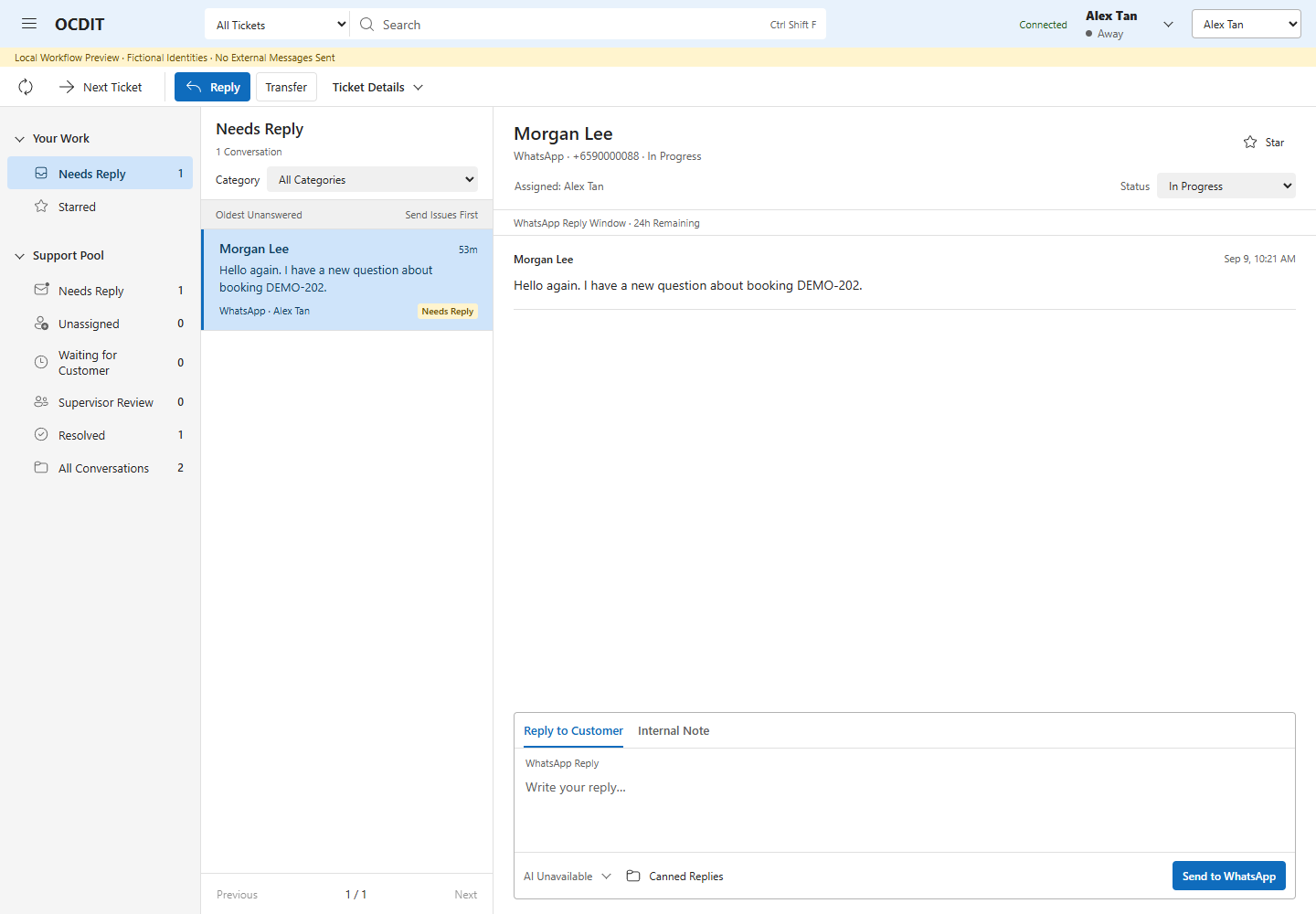
Architecture and Data Flow Diagram
Find a Specific Task
- Discover Knowledge and Build Agents
- Rehearse the Discovery and Workforce Demo
- Manage Platform Access and Usage Limits
- Configure Routing, Directory and Channel Controls
- Review Data Use
- Keep a Note Inside the Team
- Transfer a Ticket
- Review AI Feedback and Period Reports
- Keep Verified Customer Context
- Transfer or Recover a Ticket
- Review and Reuse Knowledge
- Investigate an Uncertain Reply
- Troubleshoot Setup
What Is Verified
This edition documents the deployed support workflow. Real transport checks and remaining customer acceptance are recorded separately.
WhatsApp, LINE and the WeChat Official Account sandbox have completed real round trips through Teams with one enabled employee. Live multi-user operation and production rollout controls remain separate work.